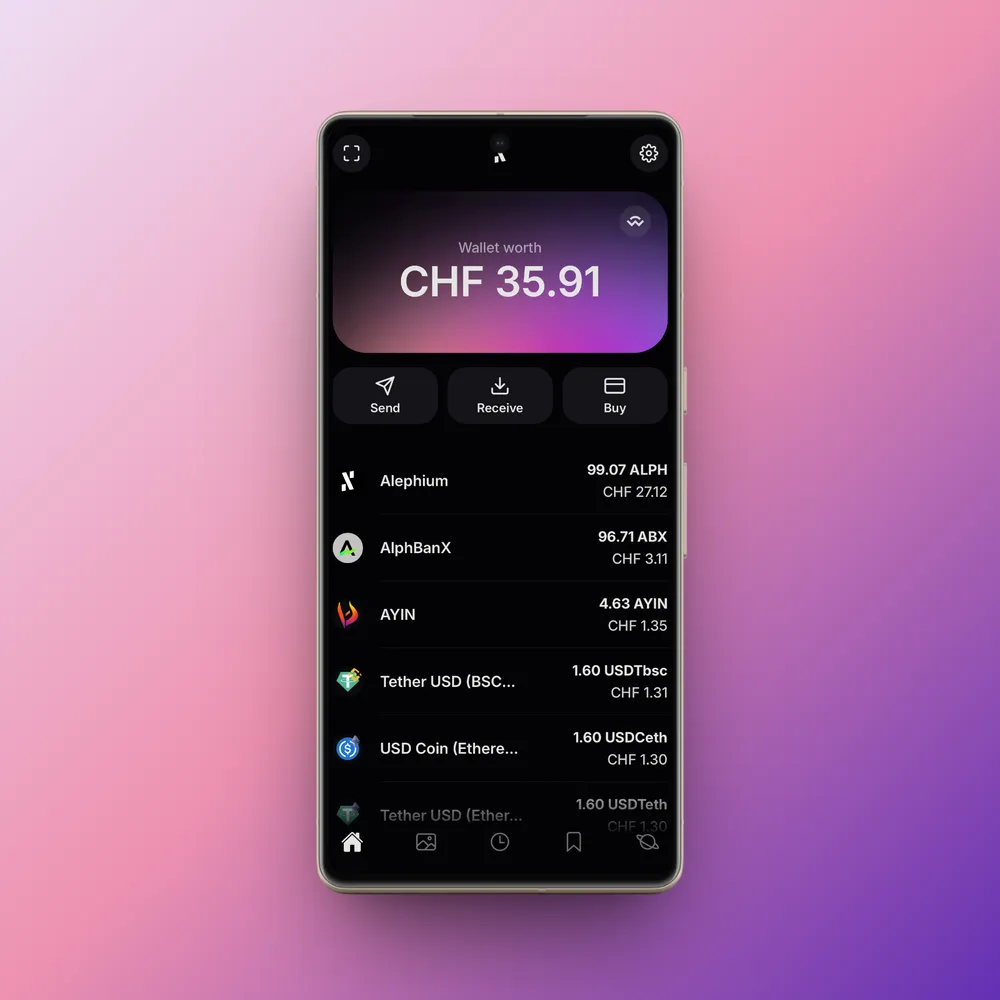
The Alephium Mobile Wallet has often been known as the gateway to the Alephium ecosystem for many users.
It extends the functionality of the Desktop Wallet to mobile devices, enabling users to manage assets and interact with dApps securely while on the go.
As the Desktop Wallet reached maturity and adoption increased, the Alephium community expressed strong demand for a mobile-first experience. In response, we extracted most of the shared business logic into a frontend monorepo and built the Mobile Wallet as a React Native application on top of this shared foundation.
What the wallet does
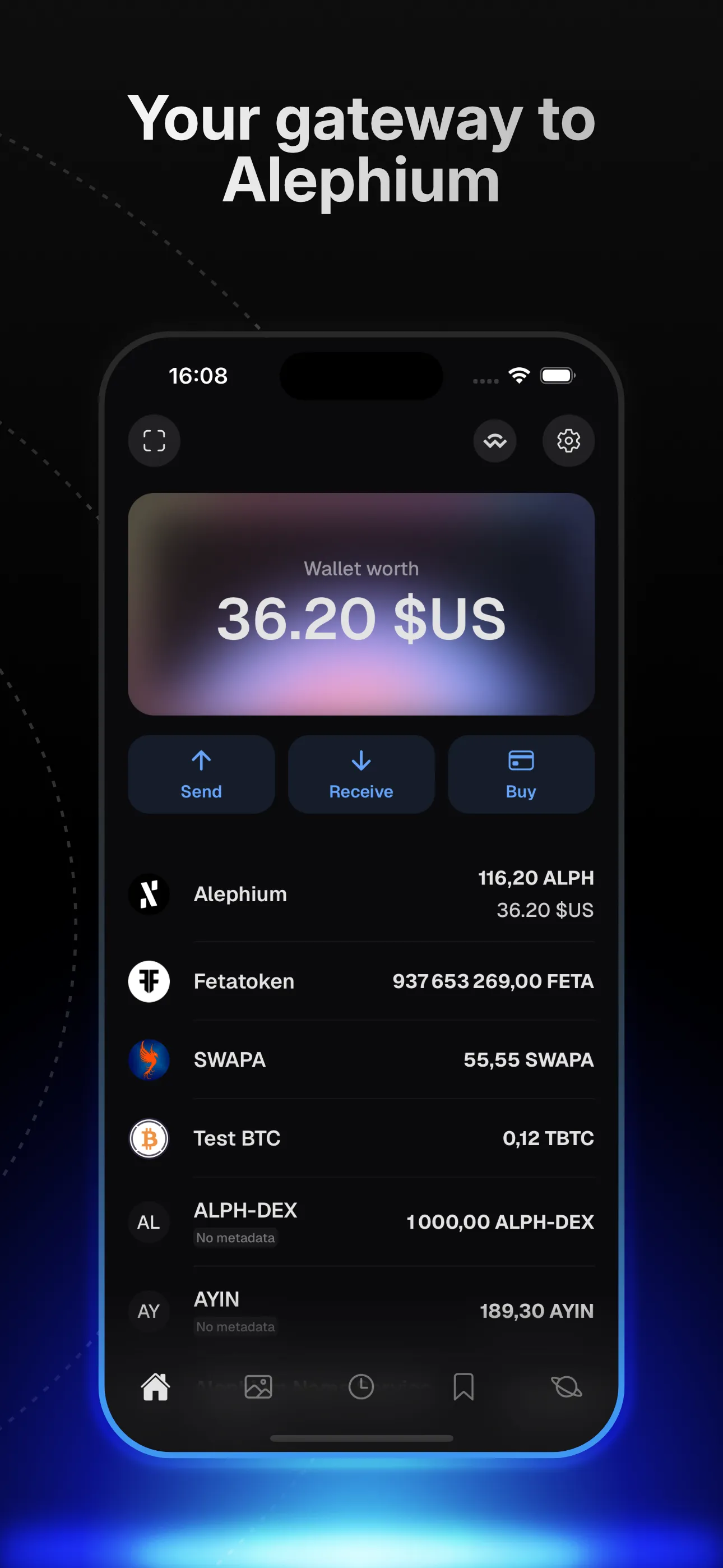
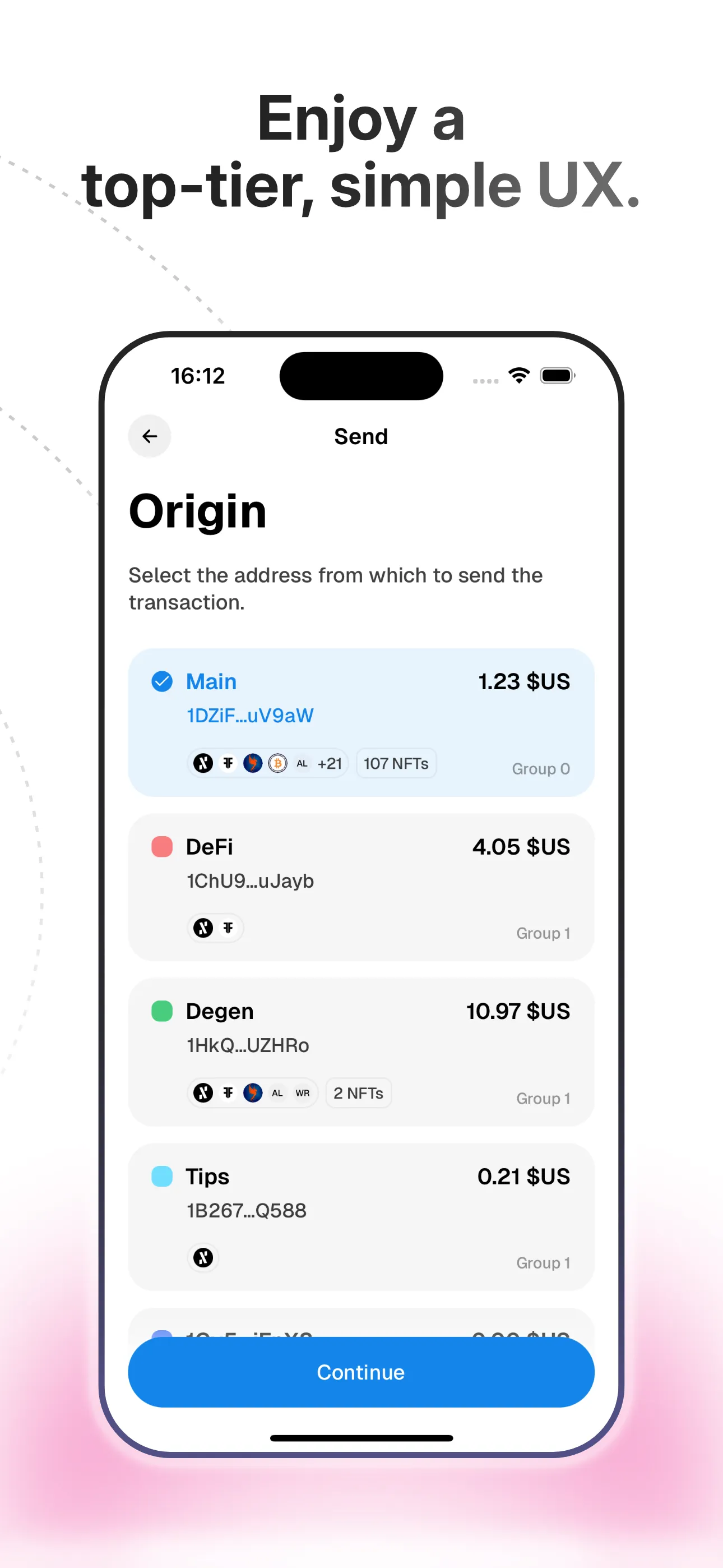
At a high level, the Mobile Wallet enables users to securely manage Alephium wallets on their phones while inheriting most of the features of the Desktop Wallet. It is optimized for everyday usage, quick interactions, and reliable mobile UX rather than advanced or power-user workflows.
Features that require complex configuration or involve advanced security concepts are intentionally concentrated in the Desktop Wallet, which offers a more suitable environment for them.
This separation allows each wallet to play to the strengths of its platform while sharing a common architectural foundation.
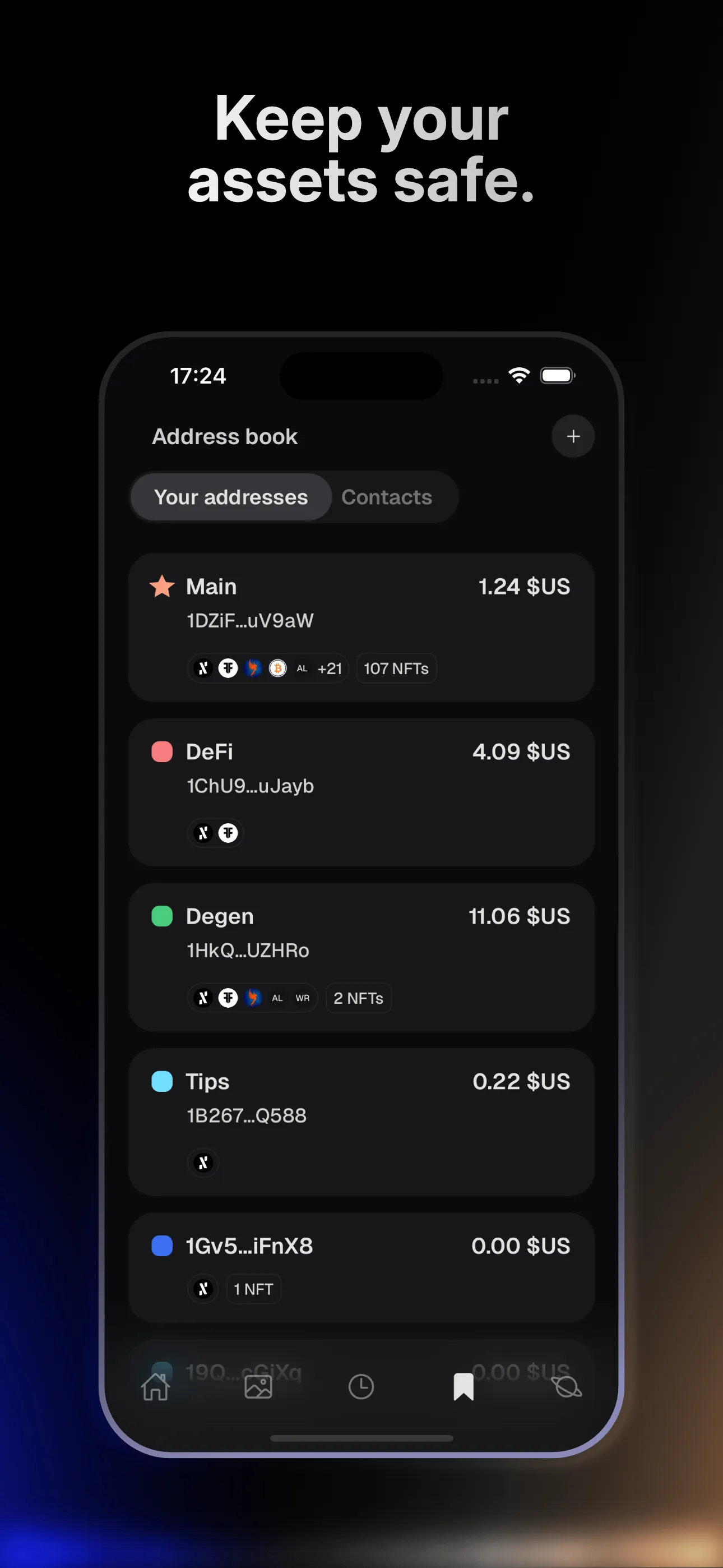
Shared foundation with the Desktop Wallet
The Mobile Wallet shares a significant amount of business logic with the Desktop Wallet:
- wallet domain logic
- transaction building and signing flows
- network and address handling
- shared data hooks
To achieve this, we moved common logic into shared packages within the monorepo and kept the state management and data-fetching strategy consistent across platforms.
Tech stack
The Mobile Wallet is built with a stack intentionally aligned with the Desktop Wallet to maximize code reuse and architectural consistency.
- React Native for cross-platform mobile development
- TypeScript for strong typing across shared packages
- Redux Toolkit for UI and local state
- TanStack Query for remote data fetching, caching, and retries
This setup allows features to be developed once and reused across desktop and mobile, while still accommodating platform-specific requirements.
Architectural decisions
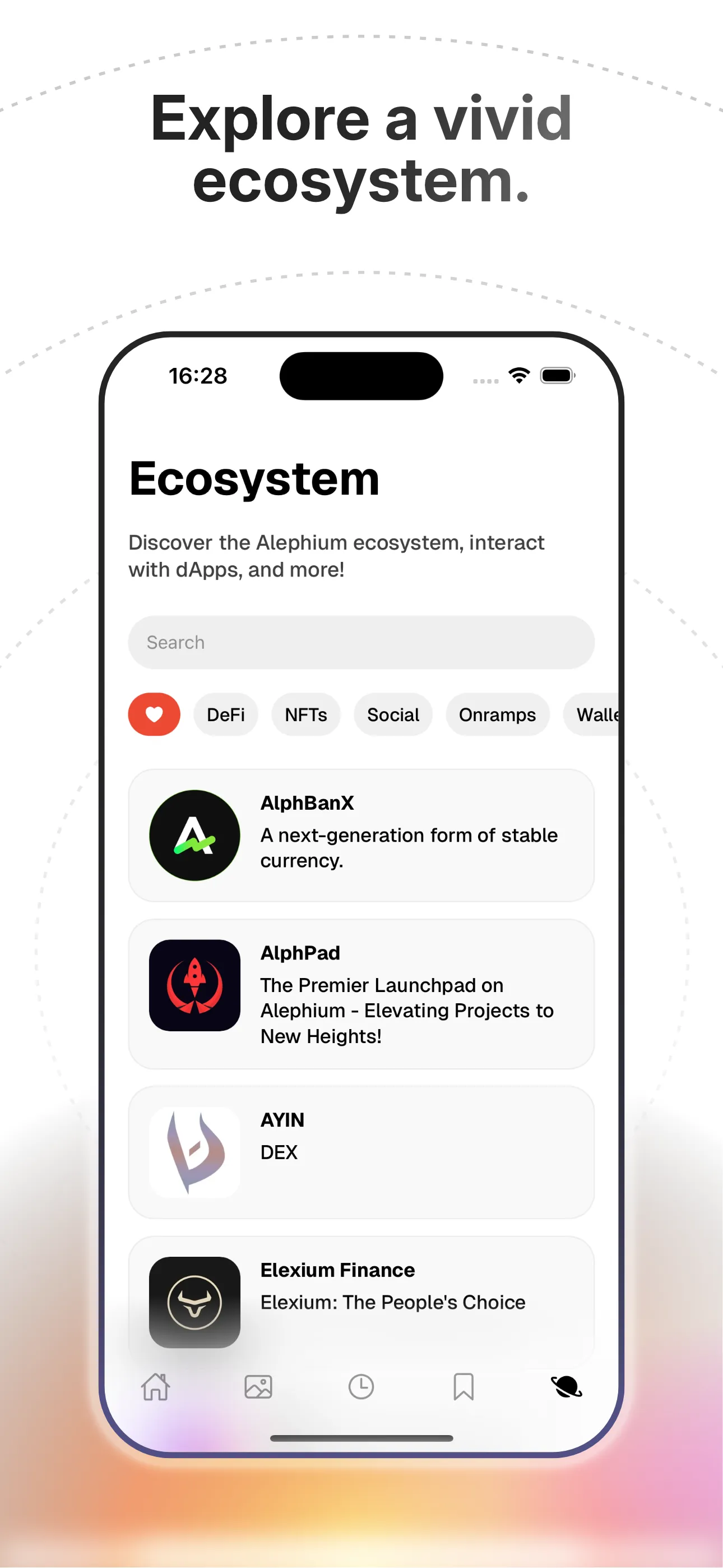
dApp connectivity: in-app browser
One of the most distinctive architectural decisions in the Mobile Wallet is the in-app browser.
Instead of relying solely on WalletConnect and external mobile browsers, the app embeds a WebView and establishes direct communication between the dApp and the wallet, injecting JavaScript code into the dApp’s context and benefiting from the window.postMessage API and WebView onMessage handlers.
This approach was chosen after discovering that keeping WalletConnect sessions alive while the app is backgrounded is unreliable on mobile platforms, leading to poor UX for users who preferred interacting with dApps via a standalone mobile browser.
By embedding the dApp inside the wallet:
- sessions remain stable
- message passing is reliable
- signing flows are smoother and more predictable
This significantly improved the mobile dApp experience.
Wallet import via animated QR codes
Another notable feature is wallet import from the Desktop Wallet.
Users can export their desktop wallet as an animated QR code, which can be scanned by the Mobile Wallet to recreate the wallet securely on their phone. This provides a seamless bridge between desktop and mobile without manual seed handling.
What this project says about me
The Mobile Wallet reinforced many of the lessons learned on the Desktop Wallet while adding new constraints:
- designing for mobile OS limitations
- handling background execution and lifecycle issues
- making deliberate UX trade-offs when security, reliability, and platform behavior collide
It also demonstrates my focus on shared architecture, long-term maintainability, and building coherent product ecosystems rather than isolated apps.